QMGroup to perform the following steps.
This article guides you through the formal approval of an Ariadne page. You'll learn what to look for during the review and how to make a final decision on whether to grant approval.
Overview: The Two-Stage Approval Workflow
Ariadne guarantees the four-eyes principle through a two-stage approval workflow. Formal approval comes after content approval and is performed by someone who is a member of the QMGroup – for example, from the QM team or Ariadne implementation team.
You can find the fundamentals of the approval workflow in Approval Workflow Function. An overview of user rights and groups is available in Detailed Overview of Ariadne Rights Concept. Learn how to add users to groups in Add or Remove Users from Ariadne Groups.
Formal Approval Checklist
| Step | Description | Image |
|---|---|---|
| 1 |
Check Content Approval
|
– |
| 2 |
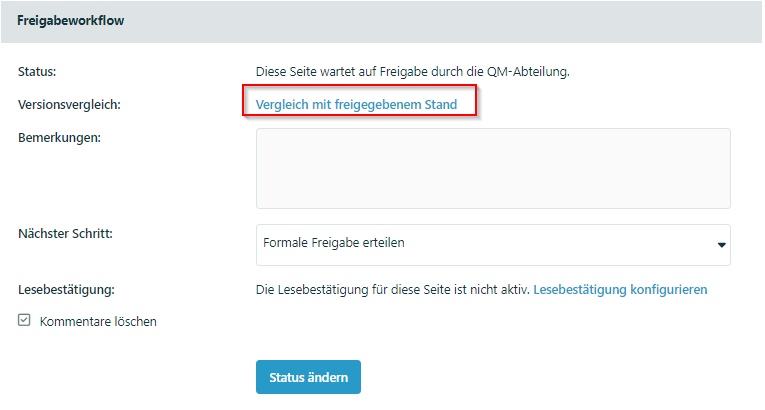
View Comparison with Published Version (if available)
|
|
| 3 |
Verify the Correct Template Was Chosen
|

|
| 4 |
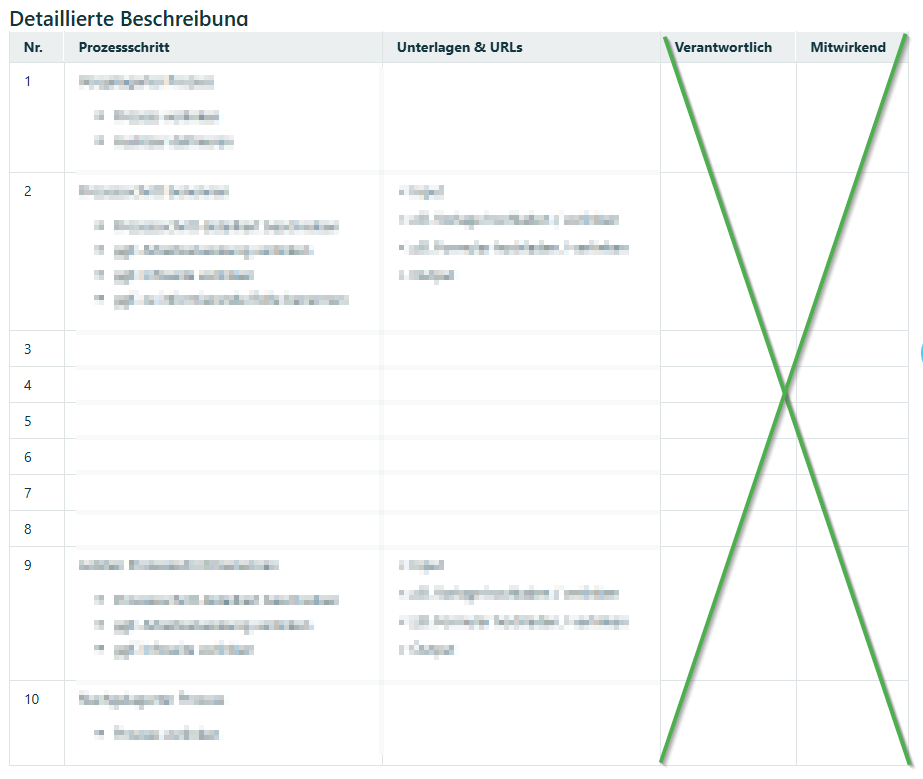
Change the Template if Necessary
|
|
| 5 |
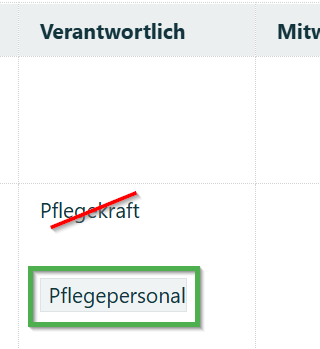
Review Roles
|
|
| 6 |
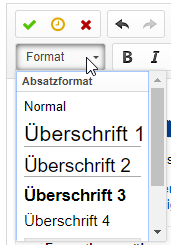
Check Formatting and Spelling
|
|
| 7 |
Check and Add Links
|
– |
| 8 |
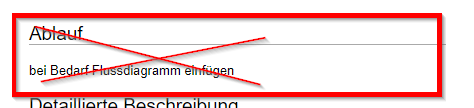
Review Flowchart
|
|
| 9 |
Editorial Review
|
– |
| 10 |
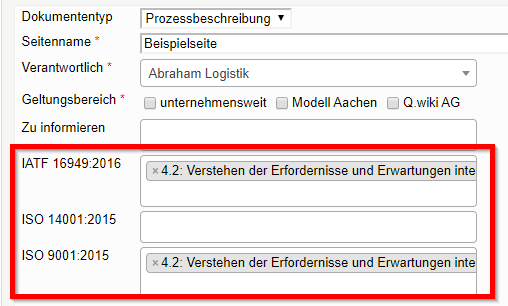
Assign Standards
|
|
| 11 |
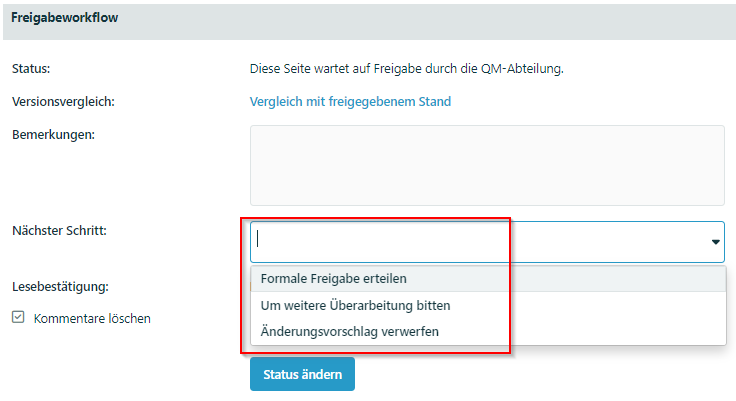
Decide Whether to Grant Formal Approval
Option 1: Request Further RevisionUse this when:
Note: You should handle minor changes yourself – such as correcting spelling. This prevents the page from reverting to "Change proposal" status. The contributor will still be notified afterward.
How to proceed:
Option 2: Reject the Change ProposalUse this only in exceptional cases!
Option 3: Grant Formal Approval
|
|
Related Articles
Was this article helpful?
That’s Great!
Thank you for your feedback
Sorry! We couldn't be helpful
Thank you for your feedback
Feedback sent
We appreciate your effort and will try to fix the article